“`html
If your Nutone bathroom fan cover with light needs cleaning or replacement, you’ll first need to know how to safely remove it. This guide will take you through the steps necessary to remove your Nutone bathroom fan cover without damaging the unit. Whether you’re dealing with dust build-up, a broken light, or simply want to update your bathroom aesthetics, this detailed instruction will cover the tools and techniques you’ll need. Our guide also offers recommendations for maintaining your bathroom fan and further resources for DIY enthusiasts. By the end of this post, you’ll confidently manage this small but important home maintenance task.
We Recommend
Before starting any DIY project, it’s essential to be prepared. We recommend gathering all the necessary tools and materials beforehand. For this task, you’ll need a screwdriver, a ladder or step stool, a clean cloth, and possibly a new cover or lightbulb. The ladder or step stool will help you reach the fan cover safely. Make sure to choose a stable option to prevent any accidents. A clean cloth is useful for wiping down the fan cover and surrounding areas once it’s removed.
Safety is paramount, so always ensure that the power to the bathroom fan and light is turned off at the circuit breaker before you begin. Working with electrical components can be hazardous. If you’re unsure about handling electrical wires or mounting hardware, consult a professional. Additionally, it’s helpful to have a small container or zip-lock bag to keep track of screws and other small parts you might remove during the process.
Removing the Nutone Bathroom Fan Cover with Light
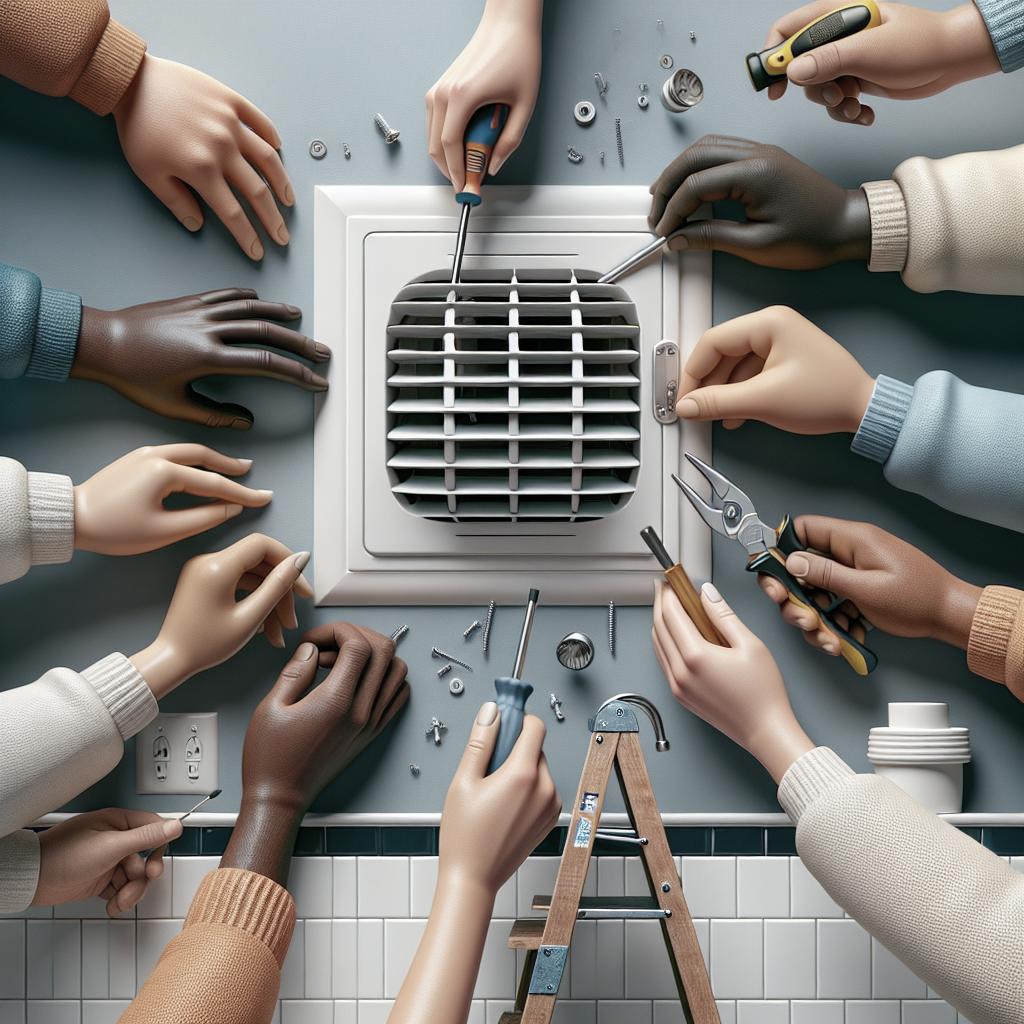
The first step is to ensure your hands are clean and dry to avoid slipping or losing your grip on any tools. Position your ladder or step stool directly under the bathroom fan cover. Carefully climb up, ensuring you’re stable and balanced. Locate the mounting screws or spring clips that hold the cover in place; these are usually found on the sides or corners of the cover. Using your screwdriver, remove these screws, ensuring you store them safely for reinstallation.
If your fan cover doesn’t have screws, it may be secured with spring clips. To disengage these clips, gently pull down one side of the cover. Feel for the spring clip with your fingers and carefully pinch it to release it from the slot. Repeat this on the opposite side. Once both clips are released, you can remove the cover by slowly pulling it down. Be cautious to not bend or warp the cover during this process.
With the cover removed, you’ll have access to the light casing and fan blades. This is an excellent time to clean out any dust and debris from the fan blades and light casing. Use your clean cloth or a vacuum with a brush attachment to gently clean these areas. If you’re replacing the lightbulb, now is the time to do so. Make sure the bulb is the correct wattage and type as recommended by Nutone. After cleaning or replacing components, you can reinstall the fan cover by reversing the removal steps.
Final Thoughts
Removing and maintaining your Nutone bathroom fan cover with light can significantly enhance the longevity and performance of the unit. Regular cleaning prevents dust buildup, which can impede fan function and cause overheating. By keeping your fan cover and light fixture in good condition, you ensure that your bathroom remains well-ventilated and well-lit.
If you find any part of the process challenging, don’t hesitate to consult the product manual or contact Nutone customer support for detailed instructions. For more complex issues, always consider reaching out to a professional electrician to ensure safety and proper handling. Maintaining a clean and functional bathroom fan not only improves air quality but also contributes to the overall maintenance and hygiene of your home.
| Step | Action | Notes |
|---|---|---|
| Preparation | Gather tools, turn off power | Safety first—always turn off the circuit breaker |
| Initial Setup | Place ladder/stool under fan | Ensure stability |
| Removing Screws/Clips | Unscrew or unclip cover | Store small parts safely |
| Cleaning/Replacement | Clean blades, replace bulb | Use proper wattage for lightbulb |
| Reinstallation | Attach cover back | Reverse removal steps |
“`